2 Positron

Writing code in R, Python, Julia, or other languges benefit from an interface and ecosystem that helps you accomplish your data analysis tasks. By default, R comes with an interface that you could use to do all your work.

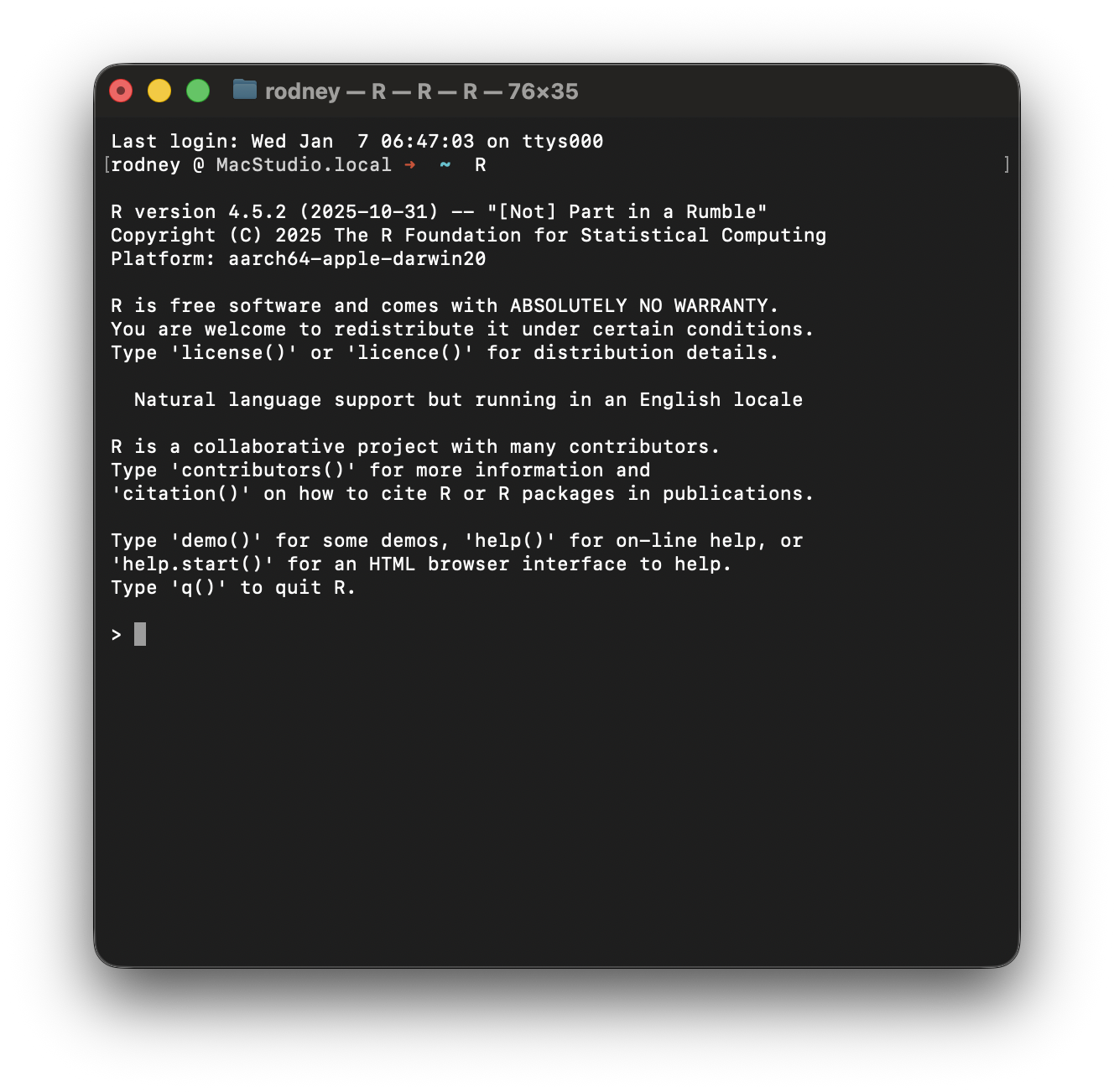
It is also possible to use R directly from a terminal app. If you use linux or mac, you can access R from your local terminal application. On Windows, there is a more complicated way of doing it but—I do not undersand Windows so I cannot help with this one.
Integrated Development Environment
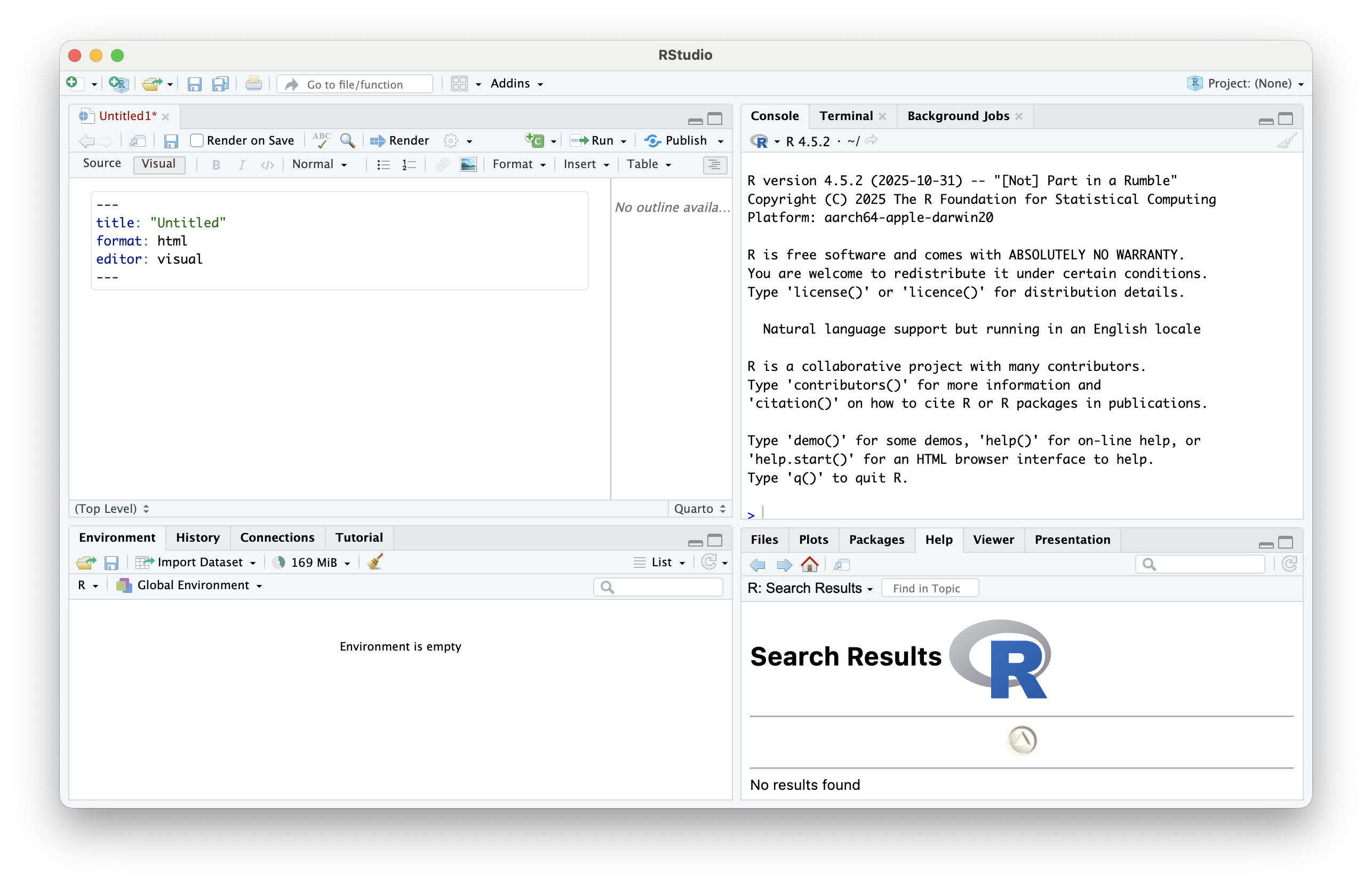
There are several GUI environments that you can use to interface with R beyond the built-in interface. Since February 2011, the RStudio IDE has been a popular interface for R and its development has gone hand-in-hand with the rise of the modern R reproducible reserach stack (e.g., knitr \(\to\) R Markdown \(\to\) tidyverse \(\to\) Quarto). One of the benefits of this interface is that it made it much easier to integrate data, analysis, interpretation, and distribution into a single interface and framework—enhancing reproducibility.
In 2023, the next generation of IDE, named Positron focusing specifically on R, Python, Julia, and Quarto was released. This IDE is a fork of the very popular VSCode interface and is designed to support data science workflows across several languages (e.g., you can mix R, Python, Julia, SQL, etc.).
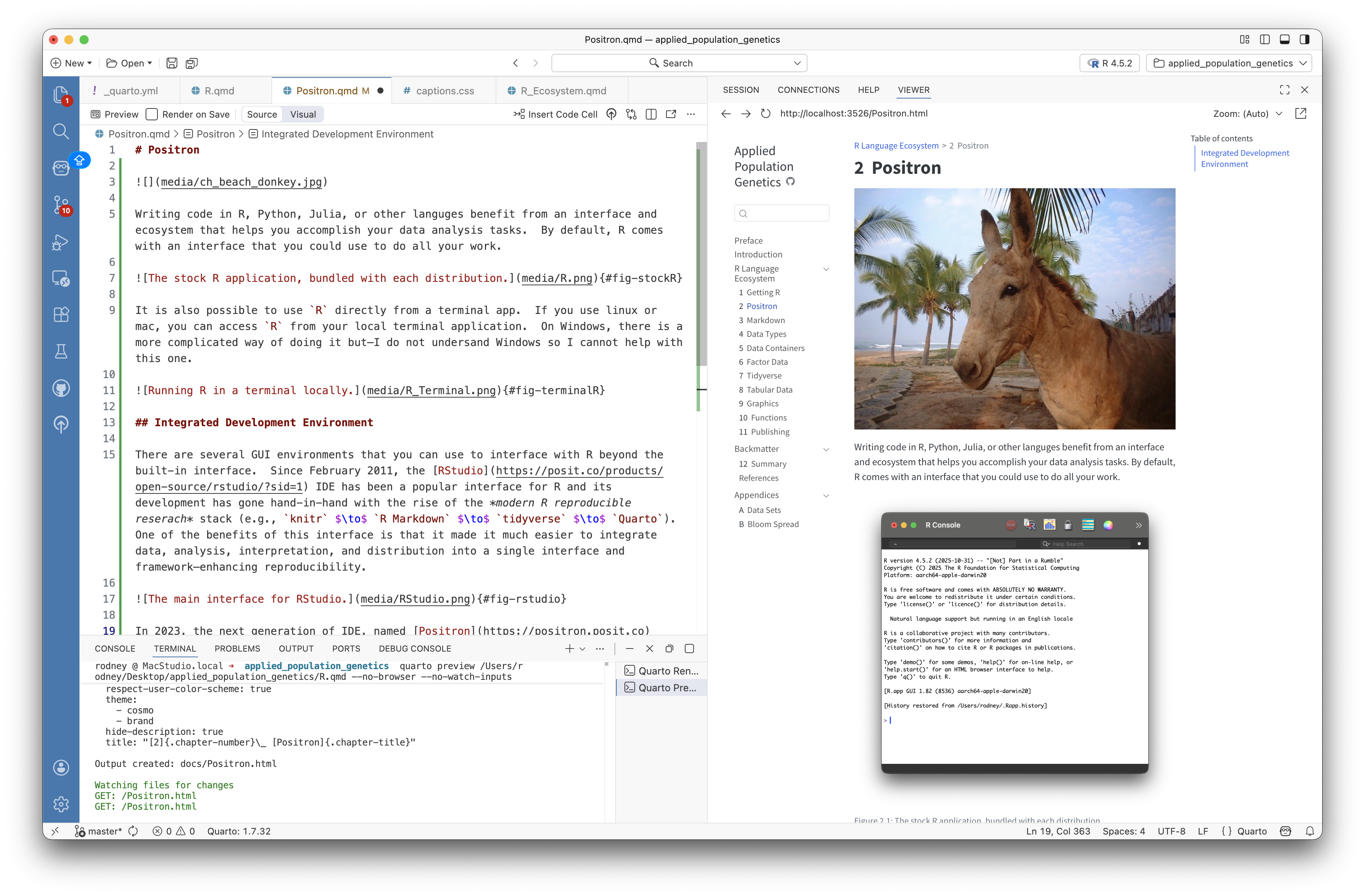
This text was written entirely using the Positron IDE, as a way to help me switch from RStudio in my own workflows and teaching. This book does not require you to use any specific interface—though I will have been known to give 10,000 bonus points if you are using emacs or vi in my class… 😏